
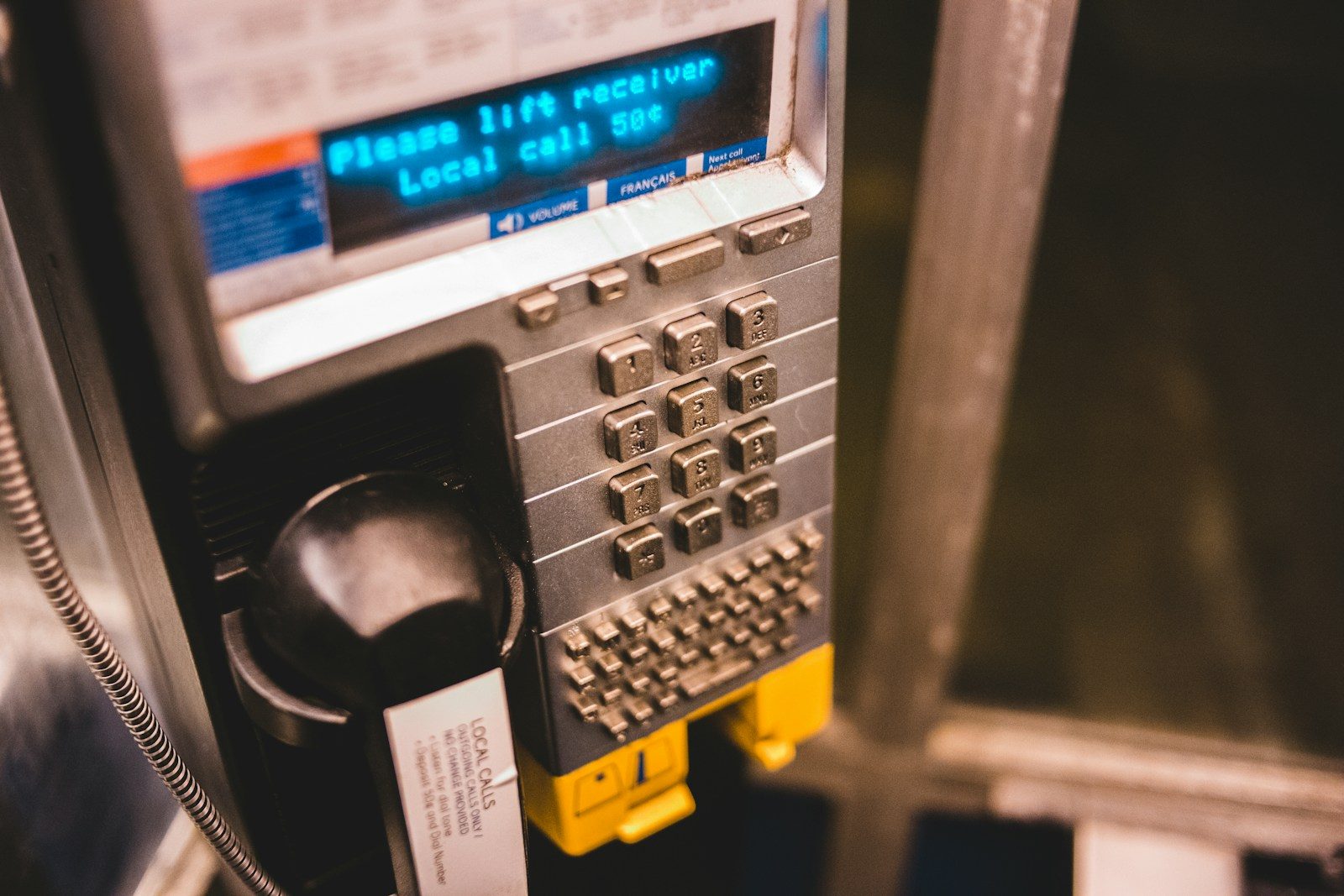
Most of us only notice shared machines when they stop working. The ticket terminal with a sticky number pad, the parking meter that ignores every other tap, the check-in screen that seems to need a fingernail and a prayer. In public settings, small design choices can make a machine feel either simple to use or oddly hostile.
That is why input hardware matters more than it gets credit for. A keypad on a busy machine has to cope with rain, dust, cold fingers, hurried use and the occasional act of vandalism. It also needs to be easy to read at a glance. People do not walk up to a payment terminal hoping for a memorable user experience. They want to finish the task and get on with their day.
When designers talk about reliability in self-service equipment, the humble industrial keypad often sits in the background. It is not glamorous, but it solves a very ordinary public problem: repeated use by lots of different people in poor conditions. In places such as transport hubs, hospitals and outdoor kiosks, that kind of resilience is not a luxury. It is necessary.
What makes a keypad work in the real world?
- Clear feedback: users should know straight away that a press has registered.
- Durability: surfaces need to withstand heavy daily wear.
- Simple layout: confusion causes delays, especially in queues.
There is also something reassuring about tactile controls in an age of smudged touchscreens. Physical keys can be easier to use with gloves, better in wet weather and more dependable where maintenance is infrequent. Good public technology is rarely the flashiest option. More often, it is the equipment that keeps working while nobody gives it a second thought.
Photo by Erik Mclean.